

- Same as code — Components in Subframe are the same building blocks your engineers use
- Always in sync — When you update a component, all instances update and sync to code
- Interactive when needed — Some components like checkboxes and accordions have built-in interaction logic using
@subframe/core, our Radix-based headless component library. Learn more about headless components.
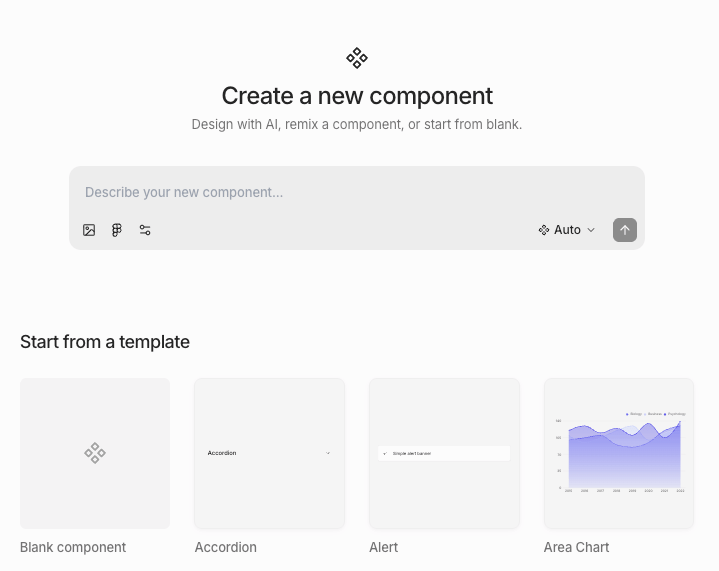
Importing components
We recommend importing your theme first so that imported components match your design system.- From code
- From Figma
- Navigate to Components in navbar
- Click New component
- Paste the source code of an existing component from your codebase into the prompt
- Press Enter or click the send button — the AI agent will take a few minutes to import your component
Example prompt
Example prompt
Creating components using AI
- Navigate to Components in navbar
- Click New component
- Describe the component you want in the prompt
- Press Enter or click the send button — the AI agent will take a few minutes to create your component
Creating components from scratch
- Navigate to Components in navbar
- Click New component
- Choose one of:
- Remix an existing prebuilt component
- Create from scratch
Some prebuilt components are based off of Radix primitives. If you want interactive logic like checked state, you must
remix an existing prebuilt component.
Creating components from existing designs
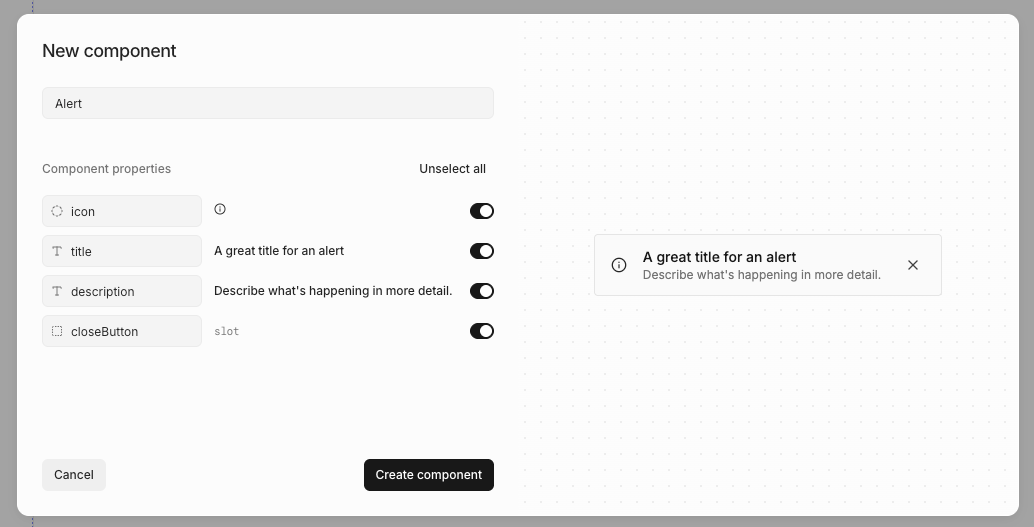
- Right-click or press / to open quick actions
- Select Create component
- Name your component
- Review AI-suggested properties
- Click Create
Editing components
To edit a component:- Navigate to Components in navbar
- Click on the component
- Click Edit component
- Right-click or press / to open quick actions
- Select Edit component
Adding component instances
You can add a component instance by- Open the quick insert menu
- Select the component you want to add
Detaching component instances
You can detach a component so the rendered elements are no longer linked to the component.- Right-click or press / to open quick actions
- Select Detach component
Not all components can be detached; interactive components built on Radix (like accordions, checkboxes, etc) cannot be
detached.
Resetting components
You can reset a prebuilt component to its original state, reverting any customizations you’ve made.- Right-click or press / to open quick actions
- Select Reset to original
- Confirm the reset
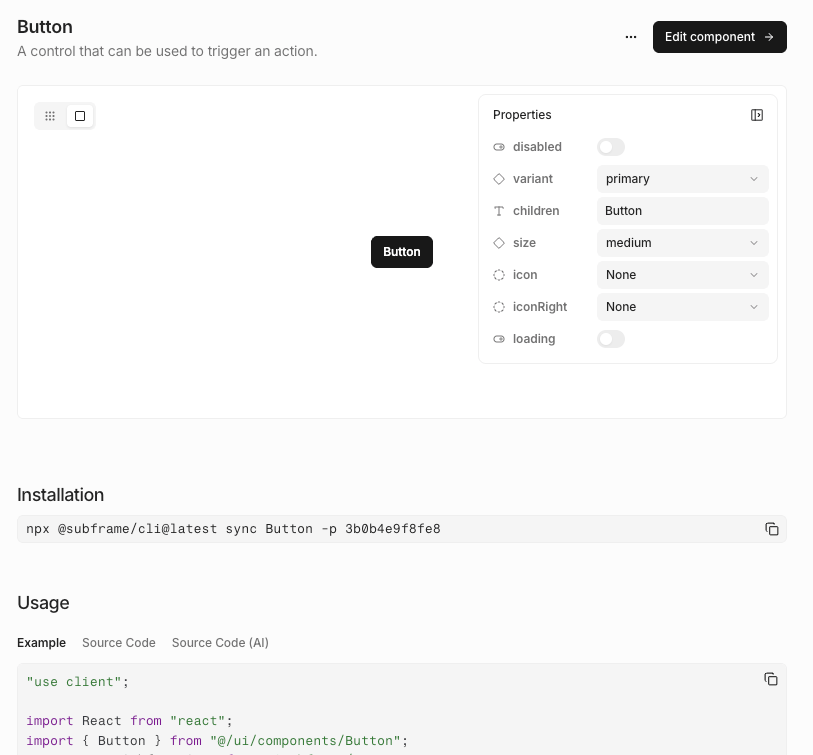
Component docs
Exporting components to code
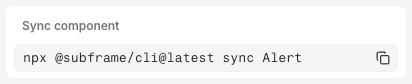
- Click Code
- Select Inspect
- Copy and paste the
npx @subframe/cli@latestcommand
Importing from another project
Copy components and pages from one of your other Subframe projects into the current one. Each selection brings along the dependencies it needs to render — nested components, theme tokens, fonts, custom icons, and image assets.- Navigate to Components in the navbar
- Click Import from… (top right) and select Another project
- Pick the source project from the dropdown
- Browse or search the source project’s components and pages — click any item to preview it on the right
- Check the box on each item you want, then click Import
Components that already exist in the current project don’t appear in the picker.